O in short: te or time on your digital photos easily. Timestamp To Photo helps you see the date and time when you snapped your photos.reliable
|
 Categories Categories |
|
|
|
|
|
Boxoft Batch TimeStamp to Photo 1.8 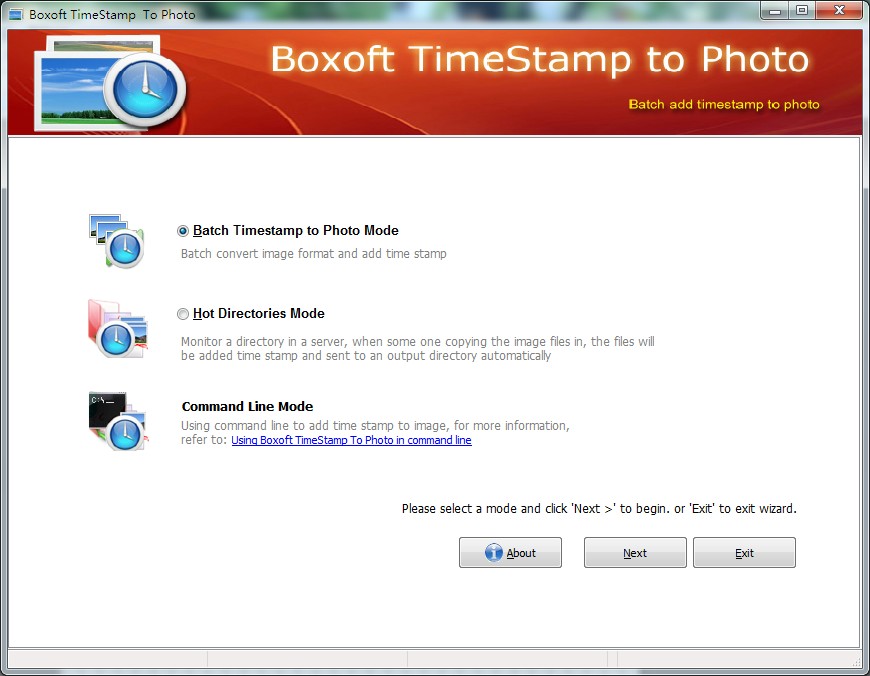
Click to enlargeDescription:Boxoft Batch TimeStamp to Photo is a simple, lightning-fast and powerful photo watermark and conversion tool that lets you to batch add date stamps or memory labels to photos with one mouse click. Boxoft Batch TimeStamp to Photo automatically reads the date of the original picture from a file and places the and/or any text label to your photo.Boxoft Batch TimeStamp to Photo Running in GUI and keeps running in batch mode (as command-line utility), a command line version is included also.Boxoft Batch TimeStamp to Photo features: 1.Batch photo processing. 2.Add any text label and timestamp to your photos.3.Stamp location, size, color, and font are fully customizable. 4.Rename and sort photos automatically.5.EXIF date and time support. 6.EXIF GPS tags support.
 | Price $ 27 /

Purchase Boxoft Batch TimeStamp to Photo
Get it Now(to see additional options, click Buy Now) Type: Shareware File size: 4100 Kb Date: 12/07/2011 HomepageInstall support: Install and Uninstall OS: WinXP, WinVista, WinVista x64, Win7 x32, Win7 x64, Win2000, Windows2000, Windows2003, Windows Vista Ultimate, Windows Vista Ultimate x64, Win98, WinME, WinNT 3.x, WinNT 4.x, Win95, Windows Vista Starter, Windows Vista Home Basic, Windows Vista Home Premium, Windows Vista Business, Windows Vista Enterprise, Windows Vista Home Basic x64, Windows Vista Home Premium x64, Windows Vista Business x64, Windows Vista Enterprise x64 System requirements: Pentium or similar processor, 64MB RAM Language: English Recent changes in this Major Update:new release | |
|




